
1 / CHOOSE
Open Challenge Board
Scroll through 26 investigation cards and open one to see materials, steps, an observation lens, reflection, and safety note.
This guide explains navigation, local storage, safe co-use, and common troubleshooting without collecting a support form submission.
Scroll through 26 investigation cards and open one to see materials, steps, an observation lens, reflection, and safety note.
A responsible adult reviews the activity, accessibility needs, and workspace before materials are placed on the bench.
Optional entries stay only on this device. Avoid names, addresses, school identifiers, health details, or other sensitive information.
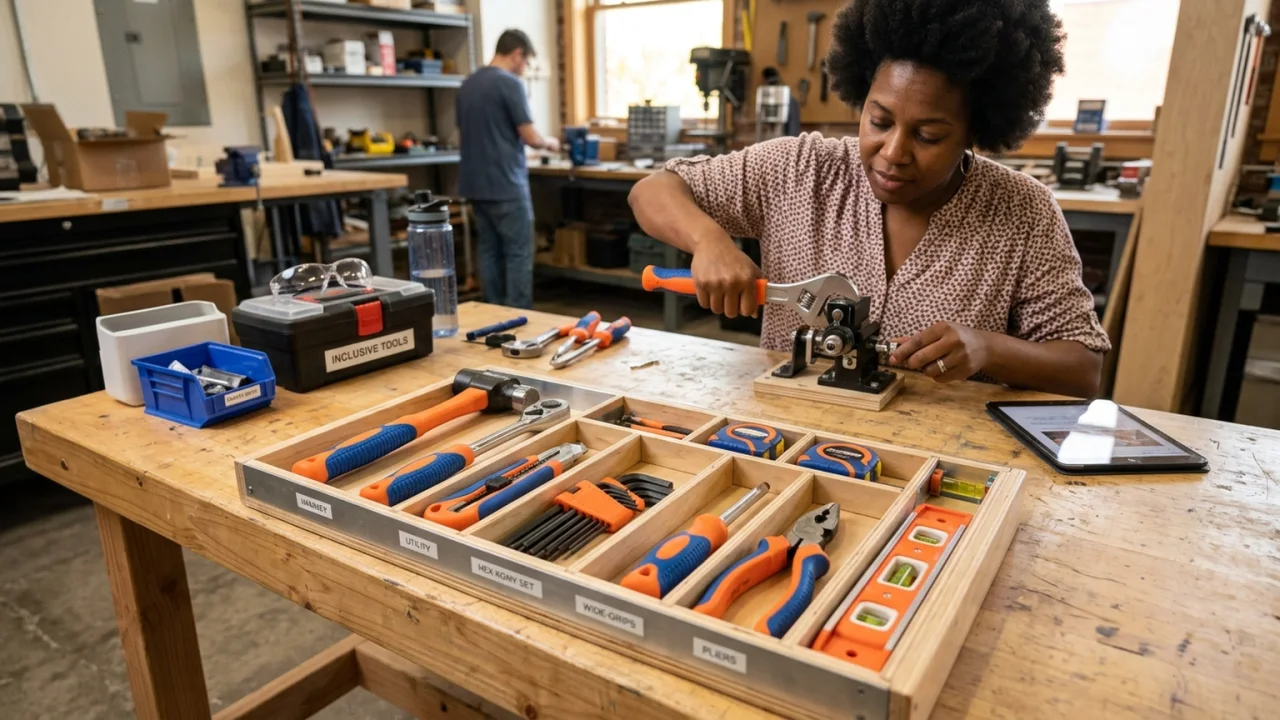
The app cannot see the learner, materials, room, allergies, weather, or local rules. The adult must assess suitability and stop the activity whenever conditions change.
All content is bundled. If the app appears blank, restart it, confirm Android 7.0 or later, and reinstall the official signed build if needed.
Clearing app storage, uninstalling, or using Erase All Local Work permanently removes local entries. The publisher cannot restore them because no cloud copy exists.
Do not improvise with sharp, hot, breakable, toxic, choking-size, or electrically powered alternatives. Choose another challenge or let an adult approve a safe substitute.
The app uses labeled controls, large touch targets, high contrast, vertical reading order, and system text scaling. See the accessibility statement for known limits.
No monitored support email was supplied for this package. Before publishing, add a real, monitored contact channel to the store listing and keep it consistent across release records. Do not invent an address.